A11yJam Roundtable Report: AI Tools for Accessibility
How can governments use artificial intelligence (AI) to advance digital accessibility? During this roundtable, Andrew Merluzzi, AI Innovation + Incubation Fellow at the Beeck Center for Social Impact + Innovation, shared some applications of AI in digital accessibility. Attendees discussed which applications are most promising, which seem too difficult or risky, and how their agencies could start experimenting with AI.
AI Tools for Accessibility
On April 15, 2026, the Beeck Center hosted Accessibility Jam, which featured four interactive roundtable discussions. This is an anonymized report out of the discussion, showcasing key insights, questions, and topics. Roundtable sessions were only open to government employees, with the goal of fostering open and honest discussions about the roundtable topics.
Show & Tell Demo Video
Key Roundtable Insights
- Capacity constraints, not awareness, are the primary barrier
Accessibility is widely understood as important, but progress is constrained by limited staff, competing priorities, and insufficient time to implement at scale.
- The “PDF problem” remains the single largest operational burden
High-volume, legacy PDF remediation continues to dominate accessibility work, crowding out more sustainable approaches like structured, web-first content.
- Accessibility is fragmented across tools, teams, and standards
Inconsistent understanding and implementation across platforms (web, dashboards, SharePoint, reporting tools) create gaps, duplication, and uneven user experiences.
- AI interest is high, but evidence and clarity are low
There is strong curiosity and early experimentation with AI for accessibility, but limited shared evidence on what works, what fails, and where to invest next.
- Human oversight remains essential to trustworthy accessibility
AI can accelerate repetitive tasks, but risks of inaccuracy (e.g., captions, alt text, plain language) reinforce the need for human review and judgment in final outputs.
- The field is navigating uncertainty around policy, practice, and the future of AI
Open questions ranging from regulatory scope (e.g., email) to agentic design systems highlight a broader need for guidance, shared standards, and practical playbooks.
Roundtable Questions & Summary Answers
What are your AI and accessibility challenges?
- Competing priorities limit capacity to implement accessibility work
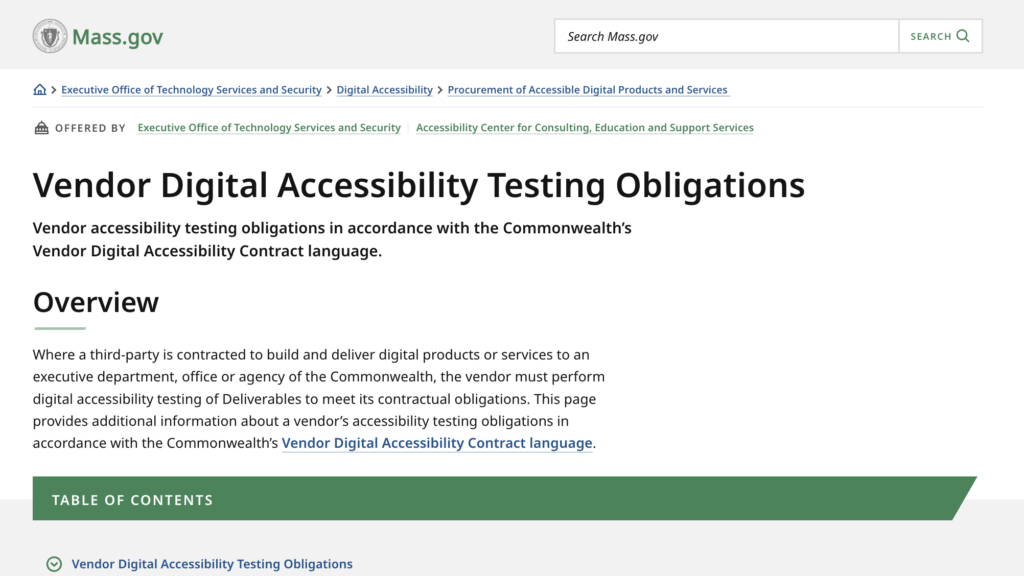
- Vendor compliance and accountability remain inconsistent
- Lack of a shared understanding of accessibility across teams
- Limited time and resources constrain progress
- Large-scale PDF remediation efforts, sometimes involving millions of documents
- Ongoing transition away from heavy reliance on PDFs
- Uncertainty around how AI tools can effectively support accessibility
- Accessibility challenges in dashboards and reporting tools (e.g., Power BI)
- Difficulty distinguishing archived versus active documents
- Limited evidence on effective AI use cases for accessibility
- Need for clearer communication of accessibility requirements and stronger internal capacity
- Accessibility gaps across platforms such as SharePoint, dashboards, and reporting tools
Resources & Examples

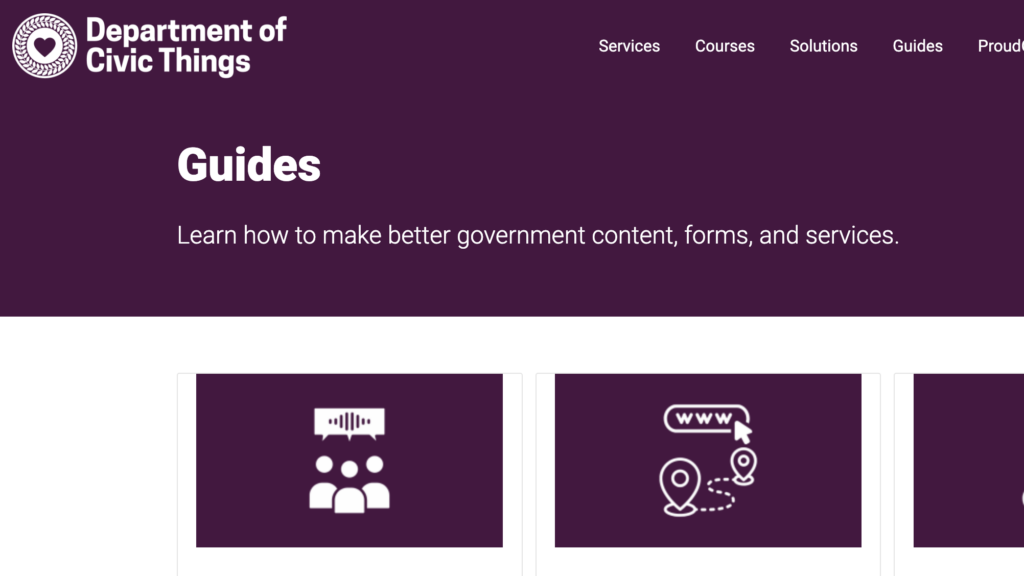
Department of Civic Things Accessibility Guides
A curated collection of practical guides that help government teams improve digital services, website content, and forms using plain language, content design, and user-centered practices.
What accessibility work in your agency is repetitive, text-heavy, and high volume?
- Managing retention schedules and publishing guidance at scale
- High-volume PDF remediation
- Website updates and content conversion
- Modernizing aging websites to meet regulatory and compliance requirements
- Managing large volumes of web content in content management systems
- Preparing external presentations and stakeholder materials
- Maintaining PDFs, forms, and web applications
- Converting content to plain language, often requiring human review
- Making forms and policy documents accessible
- Creating and updating web content, including plain language and alt text
Resources & Examples
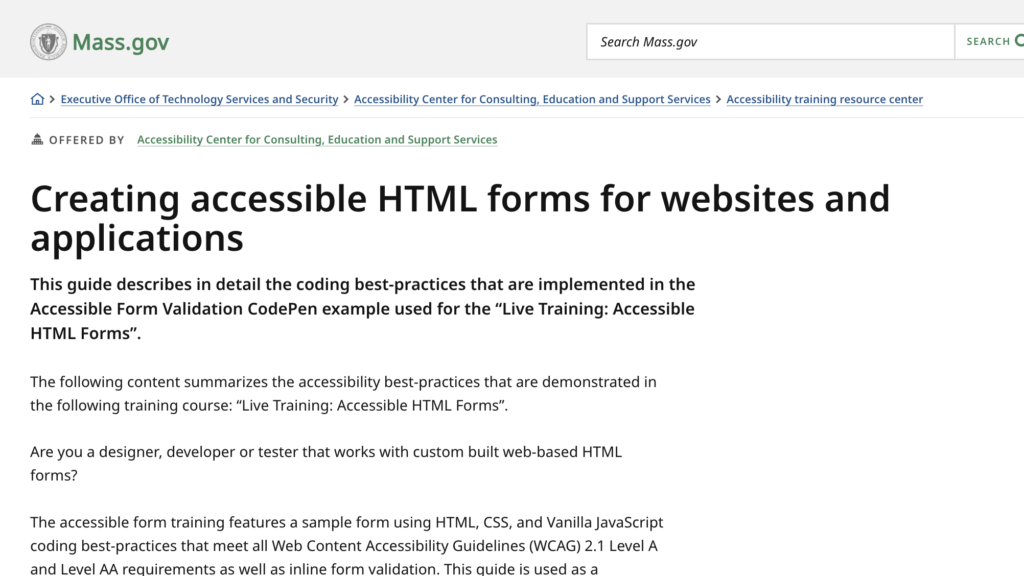
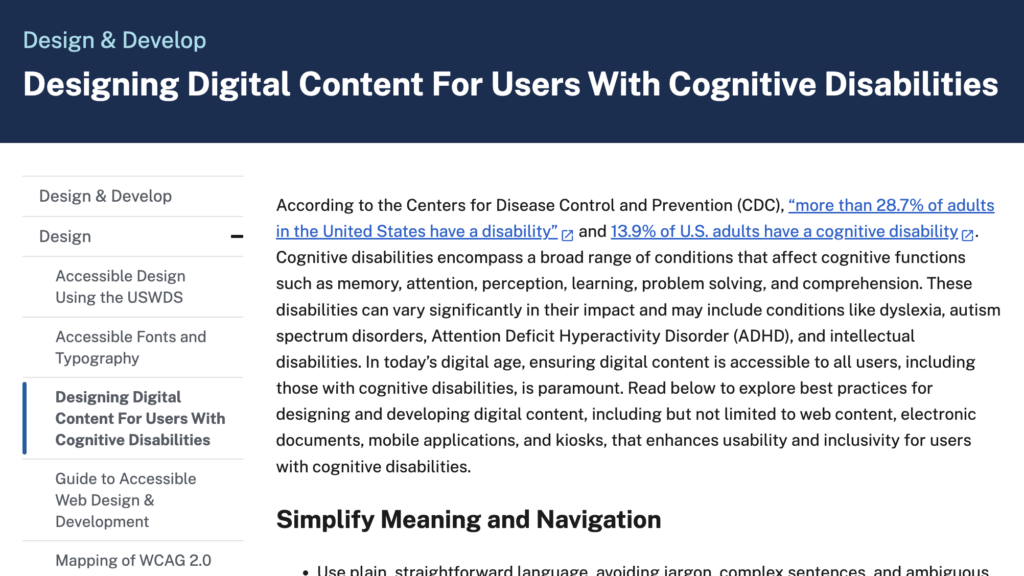
State of Massachusetts guide to creating accessible HTML forms for websites and applications
A practical guidance document that explains how to design, code, and test HTML web forms so they are accessible to all users, including people with disabilities.

NIST AI Risk Management Framework Playbook
The AI RMF Playbook offers organizations detailed, voluntary guidance for implementing the NIST AI Risk Management Framework to map, measure, manage, and govern AI risks effectively.
What AI accessibility use case are you currently experimenting with?
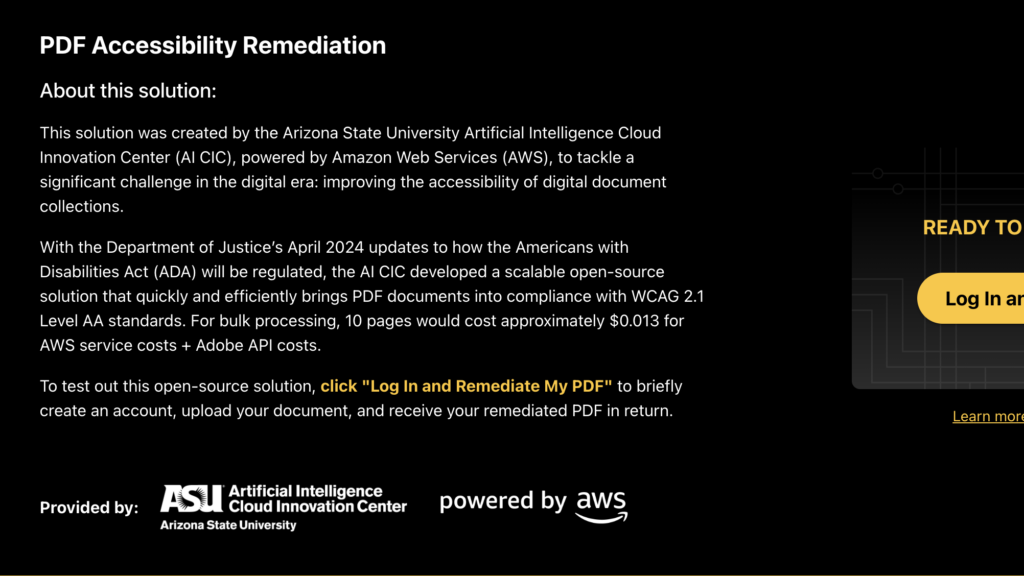
- Converting PDFs into accessible web forms
- Identifying accessibility issues in web pages
- Supporting PDF remediation with AI tools
- Using agents for structured web content
- Developing prompts to rewrite content to align with style guides
- Evaluating AI models to support document and form accessibility, followed by manual testing
Resources & Examples
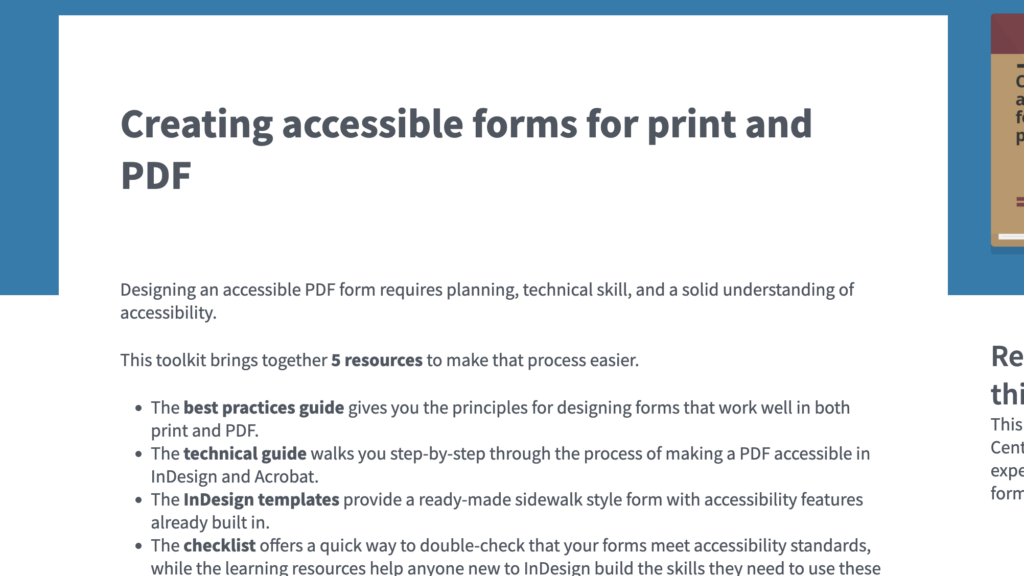
Creating accessible forms for print and PDF
A practical toolkit that guides teams through designing and building accessible forms in print and PDF formats that are usable by people with disabilities and meet accessibility standards.

Artificial Intelligence in Public Services
This guide helps UK public bodies understand how to responsibly procure, develop, and use AI while meeting their legal duties to prevent discrimination and promote equality under the Public Sector Equality Duty (PSED).
Where do you worry that AI could create false confidence?
- PDF remediation that appears complete but misses critical issues
- Inaccurate or incomplete captions and audio descriptions
- Automated video captions that do not meet accessibility standards
- Incorrect or inappropriate AI-generated code and alt text
- Hidden accessibility issues introduced through AI-supported development
- Misalignment between AI-generated plain language and established readability standards
Resources & Examples
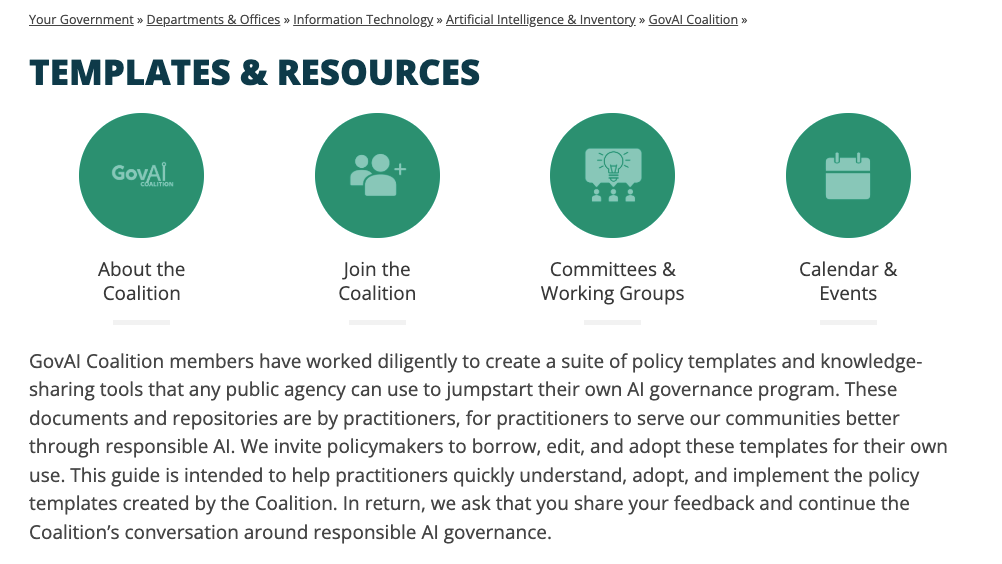
GovAI Coalition Templates and Resources
A publicly-available suite of policy templates and knowledge-sharing tools offered by the GovAI Coalition (via the City of San José) to help public agencies launch or refine responsible AI governance programs.

How to determine whether AI is an appropriate solution for public sector challenges
This toolkit provides a checklist of items to help determine whether AI-powered tools are appropriate for specific use cases in the public sector.
What kinds of tasks would you NOT want automated with AI?
- Accessibility workflows that require human review and judgment
- Final decision-making in accessibility implementation
- Customer-facing service interactions, such as online help desks
Resources & Examples

An international review of AI Governance Tools and suggestions for pathways forward
This report reviews global AI governance tools, highlighting their importance in ensuring trustworthy AI, while identifying gaps and risks in their effectiveness, and offering recommendations to improve their development, oversight, and integration into policy frameworks.
What we heard: Results from the AI Trust study on Canada.ca
A public summary of findings from an AI trust study showing how Canadians perceive and trust different AI designs on the official government website, particularly preferring custom, transparent AI experiences over general third-party AI tools.
Are there places where leadership is encouraging AI faster than teams are comfortable with?
- Limited engagement or acknowledgment of AI in some organizations
- External pressure influencing AI exploration and adoption
- Cautious and transparent approaches with mixed perceptions of pace
- Interest in AI accompanied by ongoing learning and readiness-building
Resources & Examples
The Role of AI in Equitable Government Decision-Making
This report examines how governments use AI systems to allocate public resources and provides recommendations to ensure these tools promote equity, transparency, and fairness.
To AI or Not To AI: A Practice Guide for Public Agencies to Decide Whether to Proceed with Artificial Intelligence
This guide helps public agencies assess whether to use AI by providing a structured framework to evaluate appropriateness, risks, and alternatives.
What questions do you still have?
- Impact of agentic, dynamically generated design systems on accessibility
- Approaches for designing accessible AI agents and assistants
- Support for ASL and other communication needs in AI tools
- Applicability of accessibility rules to email
- Effective models for interagency collaboration on accessibility
- Impact of varying delivery models and maturity levels on equitable access
- Addressing gaps between interest in AI and access to implementation
- Need for plain-language resources explaining AI capabilities and limitations