“The Walk:” Accessible Applications for Civic Engagement
Why accessible government mobile apps are key to improving Detroit’s sidewalks for everyone.
The Walk
Why accessible government mobile apps are key to improving Detroit’s sidewalks for everyone.
A11y Means all
This is the third story in a series about how digital government accessibility — or the lack thereof— shows up in everyday life, viewed through the lens of the Department of Justice’s Title II accessibility ruling.
Requirement 3
State and local governments’ mobile apps usually need to meet Web Content Accessibility Guidelines (WCAG) 2.1, Level AA.
The seven-mile trek from her parents’ home to the Detroit Institute of Arts (DIA) is a 20-minute blur for those behind the wheel. For Bridget Scallen, it is a 50-minute communion with the city — a six-minute walk to the bus stop, a transit ride, and a final, 20-minute stretch to the museum’s doors. She makes this journey not by necessity, but by devotion.
Stepping through the museum’s grand neoclassical entrance, her world shifts. Vaulted ceilings swallow the city noise; marble floors ground her stride. Under the expansive skylights of glass ceilings, Diego Rivera’s massive murals loom, steadying her gaze.
“I really adore its spaciousness,” Bridget said, recalling how the museum became her refuge during the isolating years of the COVID-19 pandemic and later, when she experienced harassment from a Detroit landlord. “It’s a happy place, and it’s also a safe place.”
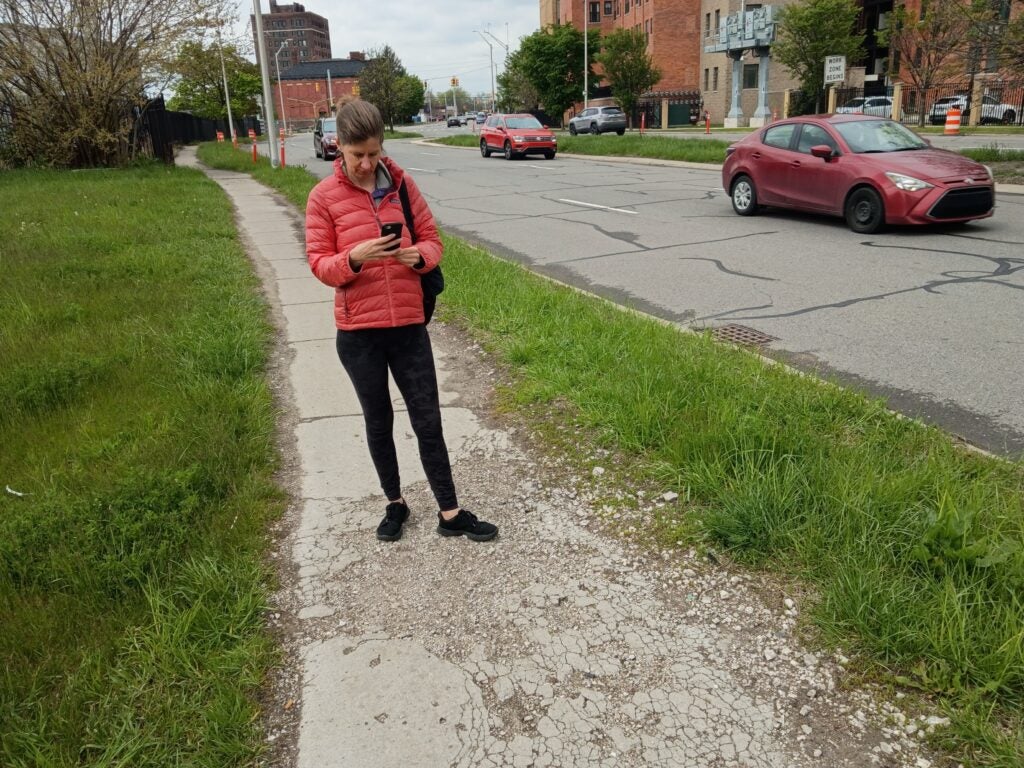
Yet, this walk acts as a study in civic stewardship. As Bridget traverses the gentrified corridor of Midtown, she confronts the city’s infrastructure with her own two feet. She navigates concrete slabs that have buckled and heaved into jagged, tripping hazards that only grow more treacherous during southeast Michigan’s brutal winters and stormy springs. She observes “significantly bent” stop signs that lean precariously like wilted flowers.
Rather than look away, Bridget has appointed herself a steward of the pavement she walks. She hopes that a single act of attention — a photo, a report, a documented hazard — can jolt the city into action.
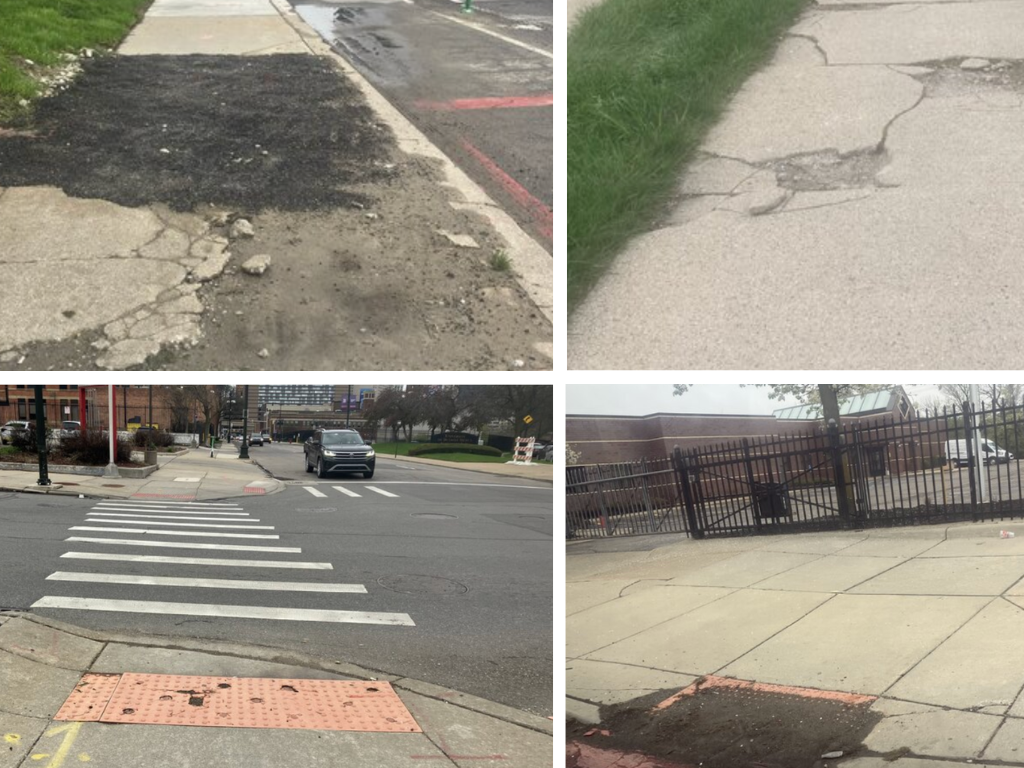
Detroit’s current administration recently poured $8 million into a backlog of 6,300 broken sidewalks — nearly doubling the city’s annual repair budget. Yet, without a team to conduct proactive audits, the city relies on residents like Bridget Scallen to play scout. To help the city pinpoint where repairs are needed most, Bridget logs into the “Improve Detroit” web and mobile app.
She filed 530 requests between March 13 and April 30, 2026.
Because the app lacks a dedicated “sidewalk” category, city officials frequently close her reports, rerouting her to the “Sidewalk Reporter” — a web browser-only tool with no mobile app. This digital detour forces Bridget to wrestle with mapping software that frequently loses its precision.
Bridget continues to log reports through the Improve Detroit app. She finds the “Sidewalk Reporter” so cumbersome and glitchy that she refuses to use it.
She once reported a pedestrian hazard, only for the city to dismiss the claim because the software’s pin landed in the neighboring jurisdiction of Grosse Pointe.
“Google Maps will say that a location is in Detroit,” she said, frustration coloring her tone, “and then the Esri map will say that it’s in Grosse Pointe. (…) The app is inconsistent in assigning a location.”
A few blocks can shift a report out of the city’s jurisdiction entirely.
When she tries to submit a report, she faces a digital labyrinth of manual location entries, limiting categories, and the redundant slog of re-typing location data twice on the desktop version.
Because the “Sidewalk Reporter” is built on a third-party vendor platform (ArcGIS Survey123), it is subject to the limitations of that software. Accessibility Reports for this platform reveal “Partially Supports” ratings for various WCAG 2.1 Level AA standards for mobile application criteria. Challenges include: keyboard focus issues, insufficient color contrast for users with low vision, and form fields that lack proper labels for screen readers.
The stakes are high. Lack of curb cuts and broken sidewalks are physical civil rights issues under ADA Title II and Section 504. An accessible app is a vital bridge to engage in civic life. With an accessible digital interface, community members with disabilities can document their needs and advocate for their neighborhoods.
Bridget, who is able-bodied, carries the memory of her own fragility. She remembers the sudden limitations of having her own mobility limited by a broken arm in middle school and a burst appendix in college — proof that life can be upturned by health issues that are “absolutely not [one’s] fault”. She thinks of her 70-year-old former neighbor, Mr. Lewis, who was injured tripping on his way to the polls, and her own aging parents who struggle with balance and mobility issues.
“Walking is one of our most basic movements after crawling,” Bridget says. “It’s one of the first things we learn to do to get around as human beings, and to not have basic infrastructure for walking (…) I just worry (…) if I had a vision disability that I could just stumble into [a hole in the sidewalk].”
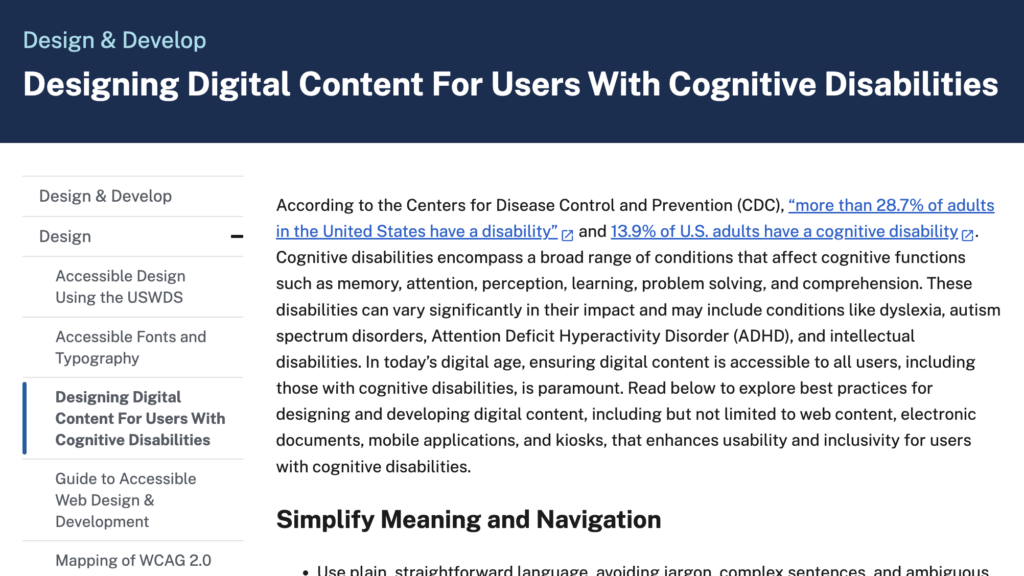
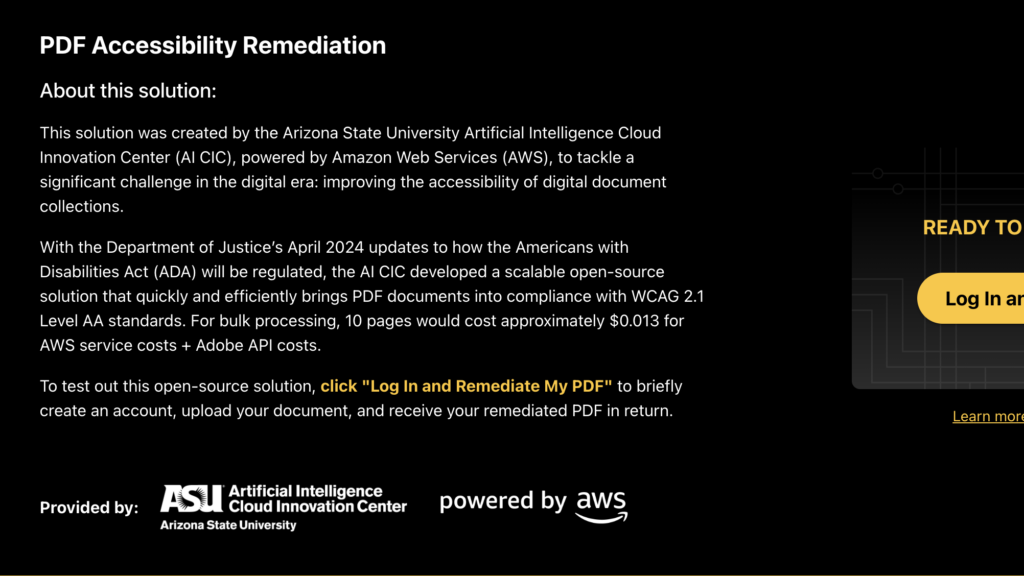
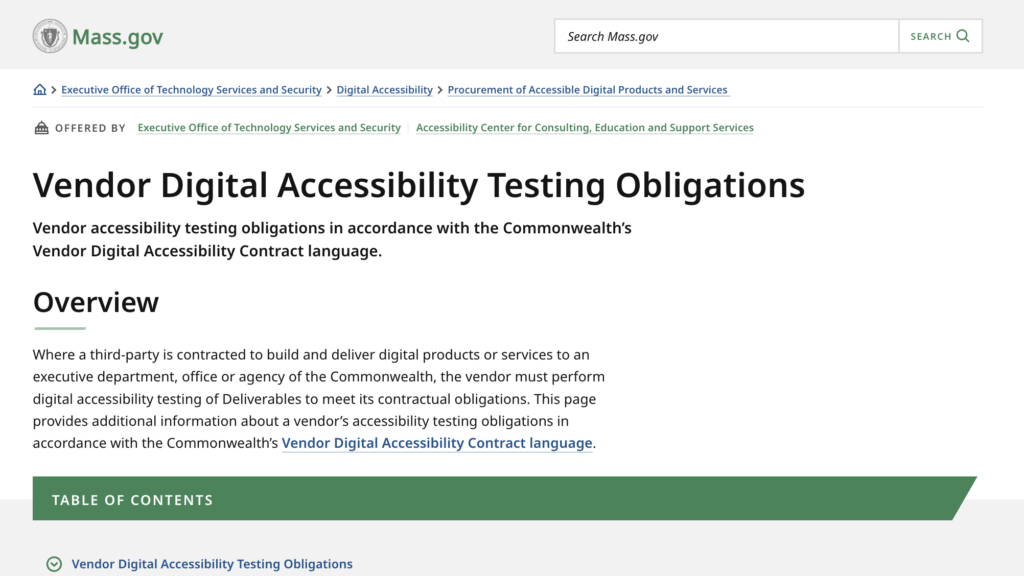
Explore digital accessibility resources
Accessibility
From Principle to Practice Accessibility is a critical practice in the process of designing government products and services as they are intended to be used by the general public. There are a number of potential accessibility components that need to be evaluated in this process to ensure that everyone can meaningfully access the digital experiences. […]
“Where People Stumble”: Plain Language and Accessibility
This is the second story in a series about how digital government accessibility — or the lack thereof— shows up in everyday life.
What the DOJ Accessibility Deadline Really Means for Your Agency
The A11y Jam opening session that introduces the April 2026 DOJ digital accessibility requirements and provides practical, plain-language guidance for government teams preparing for compliance.