FormFest 2025 Recap: Beyond the Basics: Accessible Form Validation That Works
A blog recap of a FormFest session on improving digital form accessibility, with a focus on accessible error handling and WCAG 2.1 compliance under Title II requirements.
Beyond the Basics: Accessible Form Validation That Works
As part of Massachusetts’ broader initiative to make digital government services more inclusive, Massachusetts’ Executive Office of Technology Services and Security performed accessibility audits on their forms and error validation processes across the state’s websites and applications. This FormFest session covered common inline form validation patterns and how they meet Web Content Accessibility Guidelines (WCAG) 2.1 success criteria under the Title II mandate. Speakers shared a live demonstration reviewing a sample form and its code, focusing on best practices for accessible validation.
Main Points
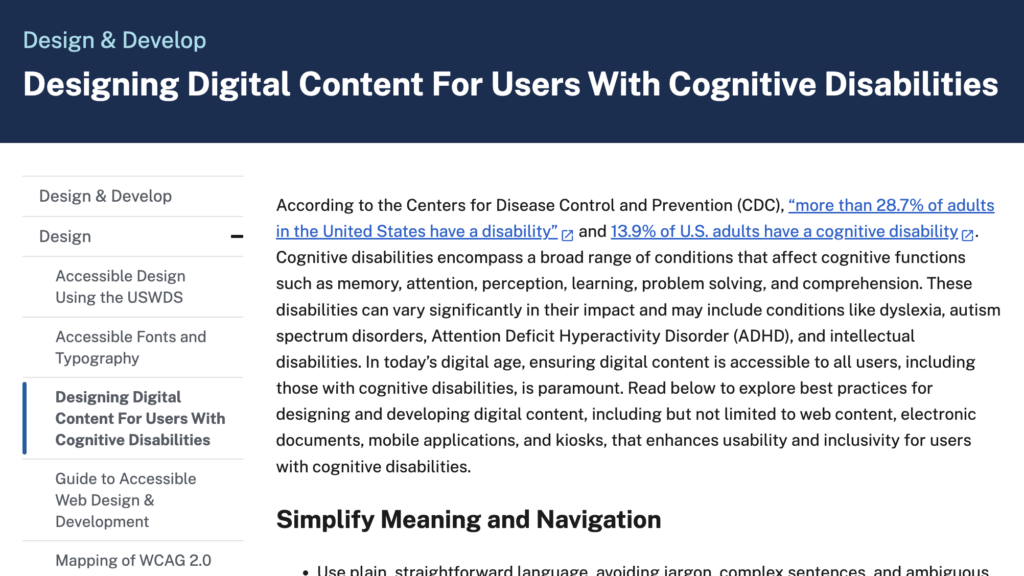
Forms are the gateway to the digital world, and inaccessible forms can effectively lock people out—especially the more than one in four adults (28.7 percent) with disabilities.
Error handling is a critical part of form usability and directly affects whether users can successfully complete tasks.
Accessible forms must support people across all four major disability types: visual, auditory, motor, and cognitive.
Lessons Learned
Effective error states are critical: clear labels, section headings, helper text, and visible (non-truncated) error messages ensure all users can complete forms accurately.
Actionable Takeaways
Visual design must meet accessibility standards: text must be at least 16 pixels, colors must have a strong contrast, and color should not be relied on alone—use symbols or text as additional cues.
Layouts must be responsive and flexible—avoiding hard-coded dimensions—so forms work across all devices, screen sizes, and browsers.
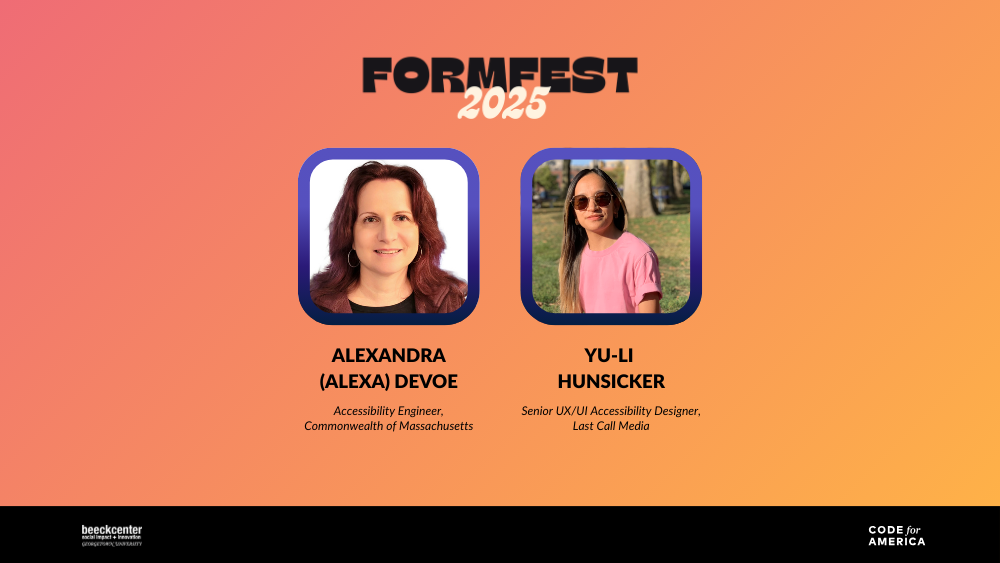
In this session, speakers Yu-Li Hunsicker and Alexandra DeVoe break down how to make digital forms more accessible, focusing specifically on error handling. When 28.7 percent of adults have a disability, inaccessible forms prevent people with cognitive disabilities from accessing government programs.
Error handling is one of the most crucial form functions and can make or break the user experience. If done correctly, all constituents can accurately fill out a form. Hunsicker and DeVoe reviewed tips for visual best practices when it comes to error handling, emphasizing clarity, accessibility, and flexibility. They recommend:
Form labels should always be descriptive and visually clear.
Font sizes should be no smaller than 16 pixels to ensure readability.
Designs must not rely on color alone to convey meaning. Instead, including symbols, text, and alternative indicators can help those with visual disabilities to understand what the form is conveying.
Error messages should be fully visible and never truncated—even when users zoom in or increase text size.
Each section should include clear headings, descriptions, and help texts to guide users.
Layouts and styles must be responsive, avoid hard-coded dimensions, and use minimum height or width only when necessary so the interface works seamlessly across devices, screen sizes, and browsers.
With these guidelines in mind, user experience (UX) designers can ensure that their forms are easy to complete for all constituents.
“When forms fail accessibility, they create barriers that lock people out of this world.”
Yu-Li Hunsicker Senior UX/UI Accessibility Designer, Last Call Media
Hunsicker highlights that forms are the gateway to the digital world. But when forms are made without accessibility in mind, they bar certain groups of people from accessing this world. Through this session, Hunsicker and DeVoe hope to help designers learn how to make their forms more accessible and ensure that people with disabilities can access government pages independently.
See more from this session at FormFest 2025:
Watch the session recording and more from FormFest 2025.
An online course that introduces core concepts of web accessibility, including why it matters, key standards, and how to make digital content accessible to a wider range of people and situations.
A practical guidance document that explains how to design, code, and test HTML web forms so they are accessible to all users, including people with disabilities.
About FormFest
FormFest is a free virtual event showcasing governments working to make services accessible to everyone through online forms. Discover best practices and tools that are shaping the future of form design and service delivery.