Accessibility
Accessibility is the practice of ensuring that products and services are able to be used by everyone regardless of their abilities or circumstances.


From Principle to Practice
Accessibility is a critical practice in the process of designing government products and services as they are intended to be used by the general public. There are a number of potential accessibility components that need to be evaluated in this process to ensure that everyone can meaningfully access the digital experiences. Without designing for accessibility, many websites and tools would be difficult or impossible for some people to use and result in people not having equal access to information.
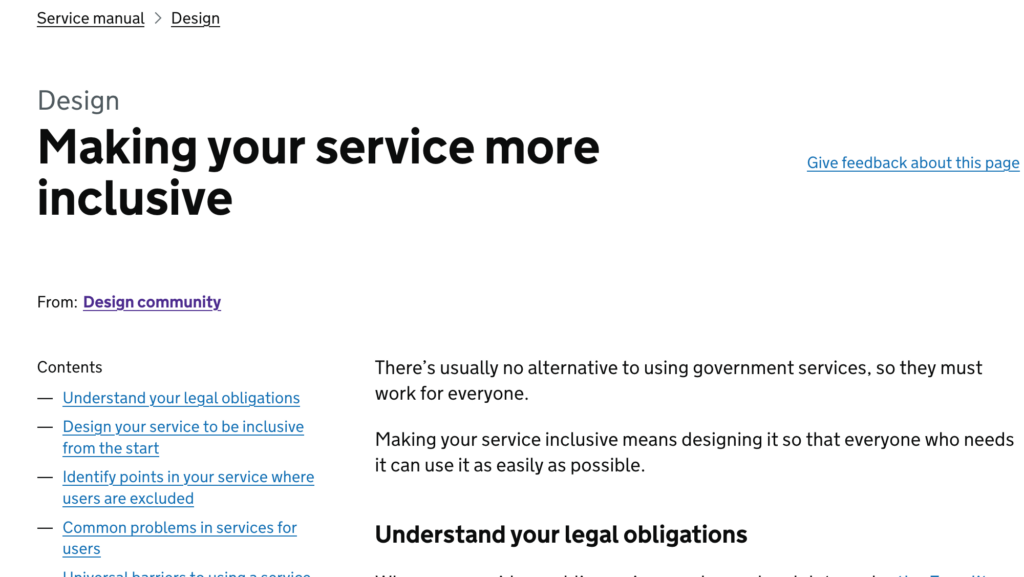
There are specific laws and guidelines in place to ensure that people with a range of abilities including blindness and low vision, deafness and hearing loss, learning disabilities, cognitive limitations, and limited movement can use government websites. Focusing on accessibility ensures that people with disabilities are able to use these products and services, and benefits all users, leading to a better design for everyone.
On this page you will find resources to support your team in designing for and adhering to accessibility standards.
Subtopics
Explore our 2 accessibility subtopics below.
Assessment Tools
Standards + Guidance
Overview of the DOJ Ruling
This is a special page focused on practical application of digital accessibility inventory, assessment, remediation, design, and governance – just weeks before the April 2026 Department of Justice deadline:
- On April 24, 2024, the Federal Register published the Department of Justice’s (DOJ) final rule updating its regulations for Title II of the Americans with Disabilities Act (ADA).
- The final rule has specific requirements about how to ensure that web content and mobile applications (apps) are accessible to people with disabilities.
- This ruling impacts state and local government offices, courts, police departments, public schools, community colleges, public universities, and public hospitals.
- State and local governments with 50,000 or more persons must make sure that their web content and mobile apps meet WCAG 2.1 by April 24, 2026.
- State and local governments with less than 50,000 persons and special government districts must be compliant by April 26, 2027.

Inventory
Know What You Have
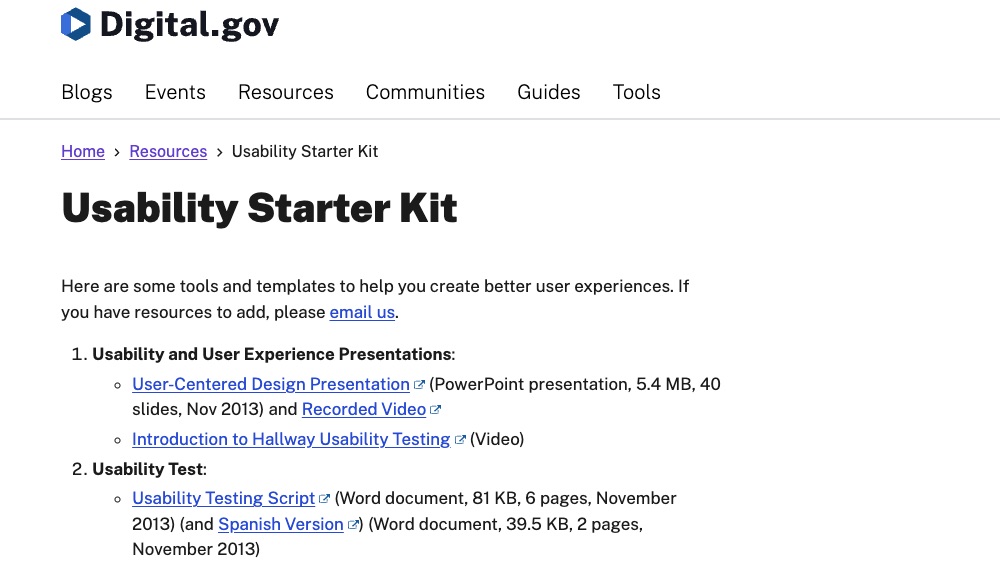
Usability Starter Kit
The DigitalGov Usability Starter Kit offers a comprehensive collection of tools and templates designed to assist in creating user-centered digital experiences.
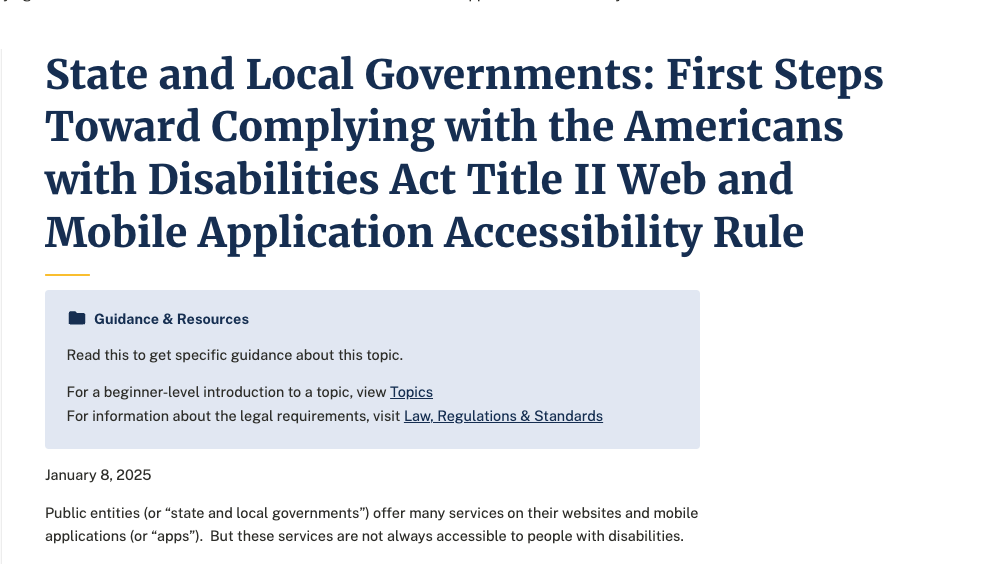
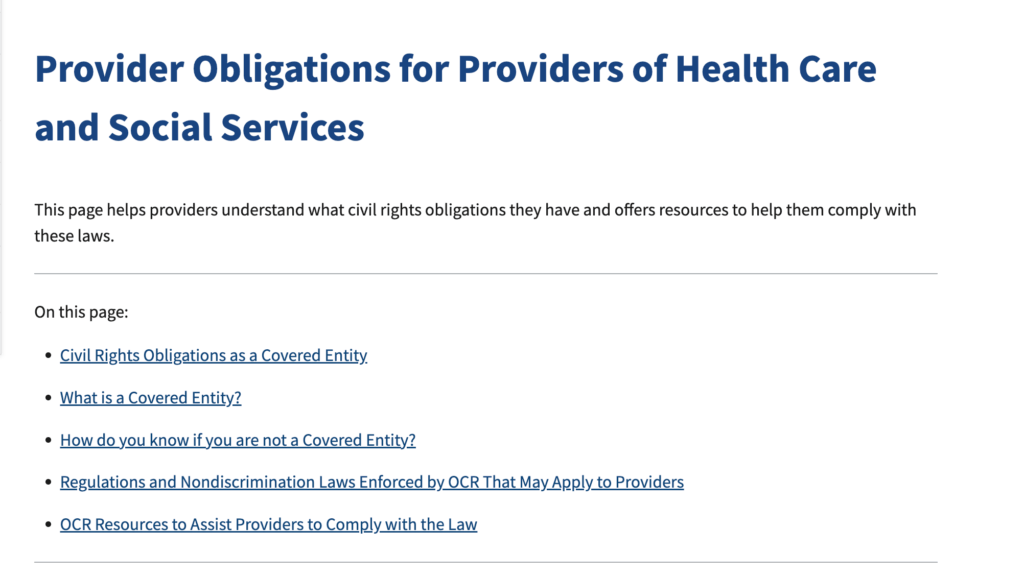
State and Local Governments: First Steps Toward Complying with the Americans with Disabilities Act Title II Web and Mobile Application Accessibility Rule
A guidance resource for state and local governments outlining first-step actions to prepare for compliance with the new web and mobile accessibility rule under Americans with Disabilities Act (ADA).
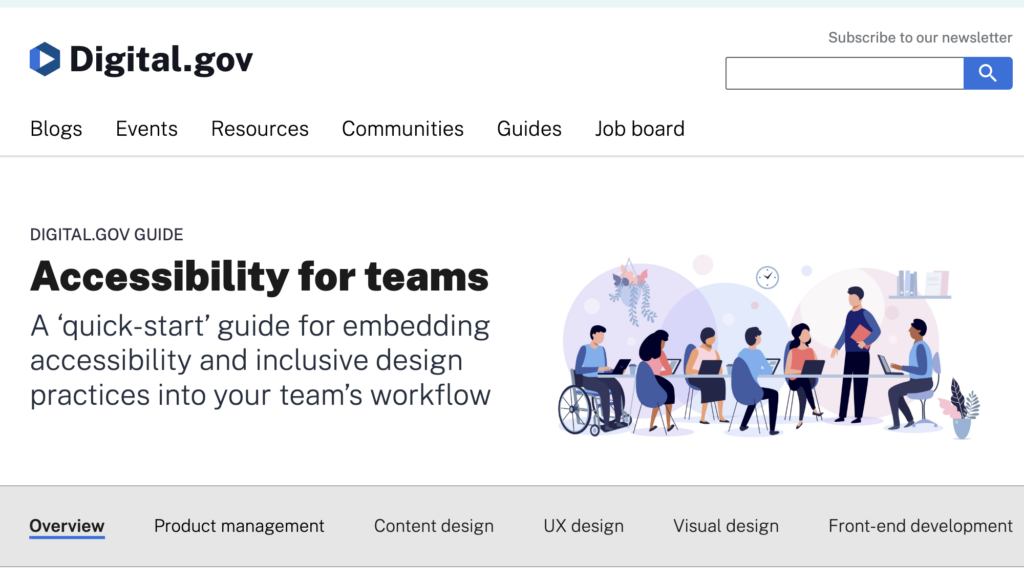
Accessibility for Teams
A ‘quick-start’ guide for embedding accessibility and inclusive design practices into your team’s workflow.
Assessment
Know What’s Broken
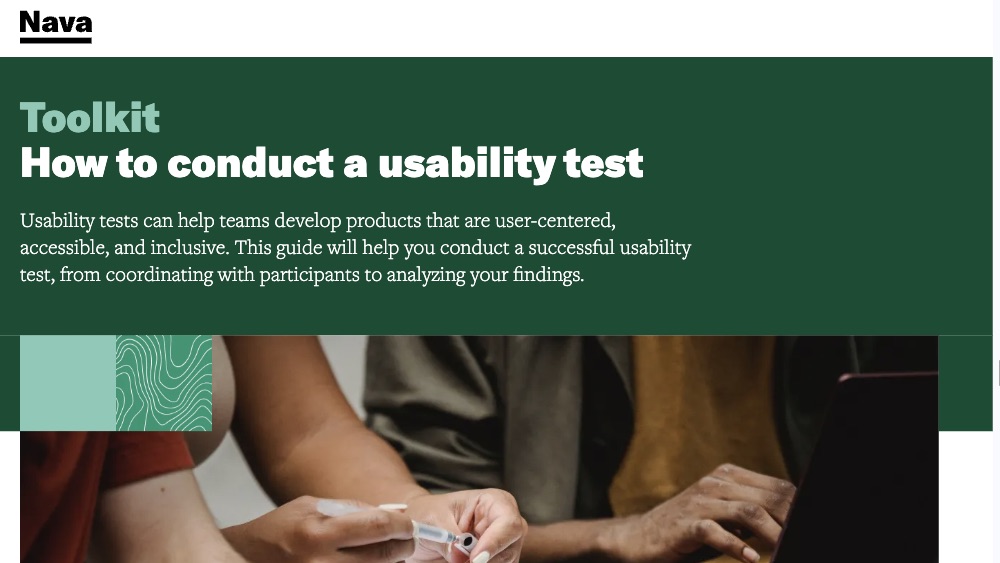
How to conduct a usability test
Usability tests can help teams develop products that are user-centered, accessible, and inclusive. This guide will help you conduct a successful usability test, from coordinating with participants to analyzing your findings.

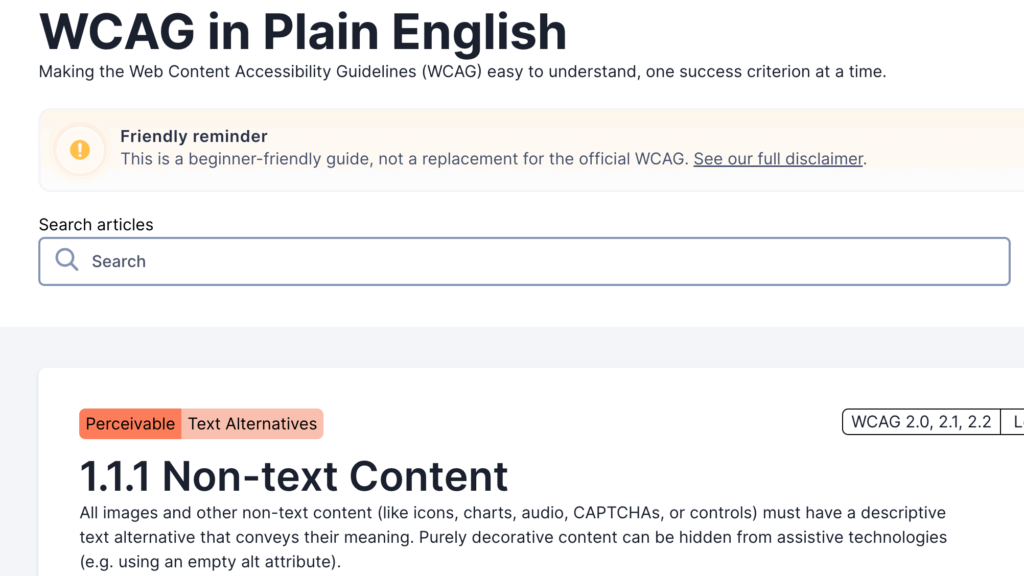
WCAG in Plain English
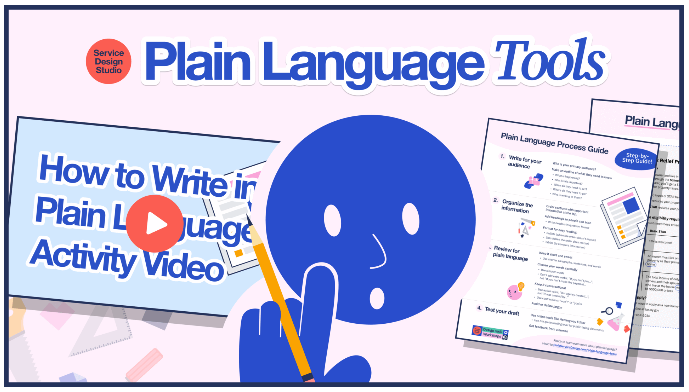
A beginner-friendly guide translating the Web Content Accessibility Guidelines (WCAG) into plain English.
Remediation, Design, and Procurement
Design it, and Gather the Right Tools to Fix It
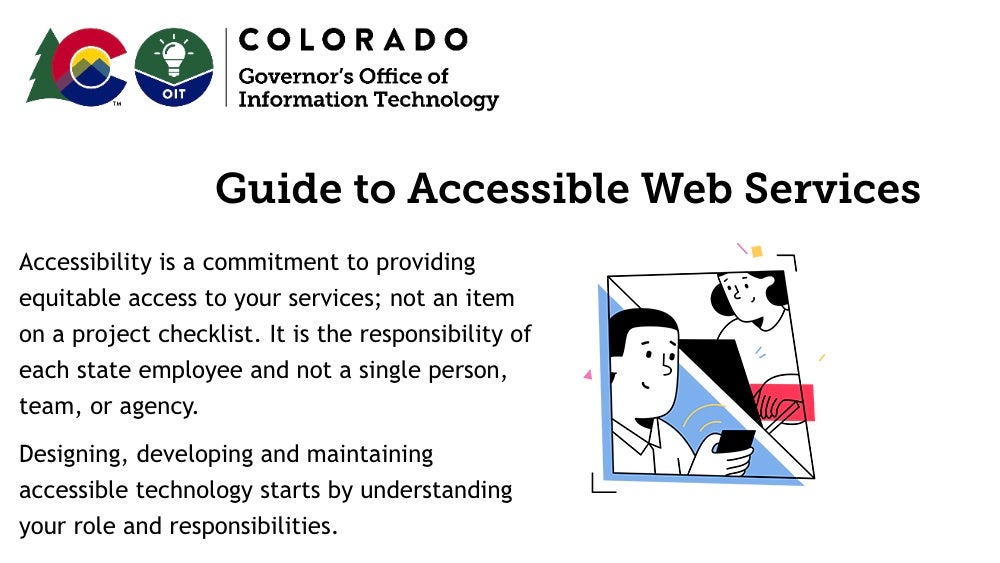
State of Colorado Guide to Accessible Web Services
A toolkit for State of Colorado employees to leverage to ensure all web services are accessible.
How to Design and Develop for Web Accessibility: A Workshop Summary
This workshop summary provides practical guidance for web developers and designers on implementing accessible web design practices, emphasizing the importance of inclusivity and usability for all users.
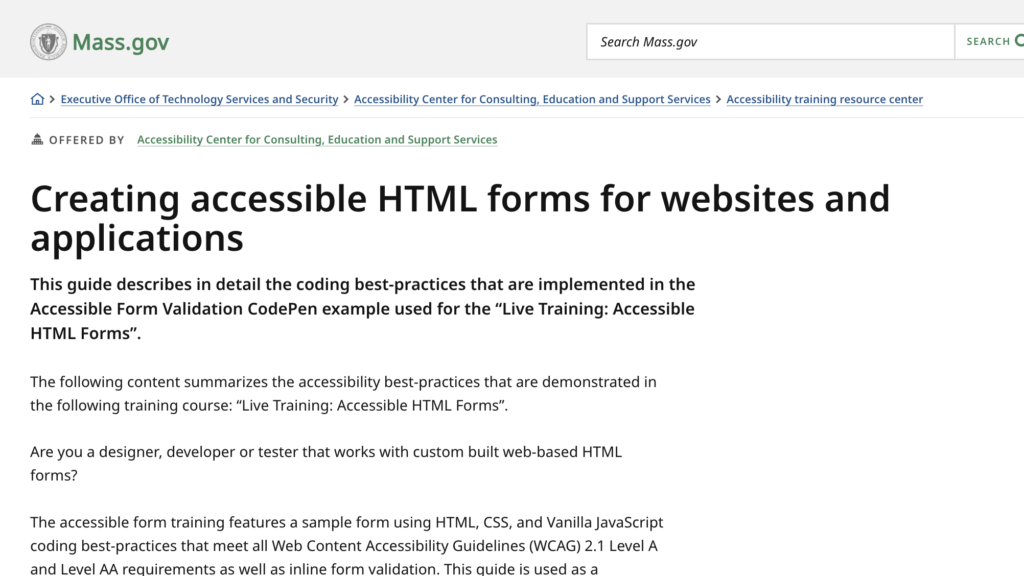
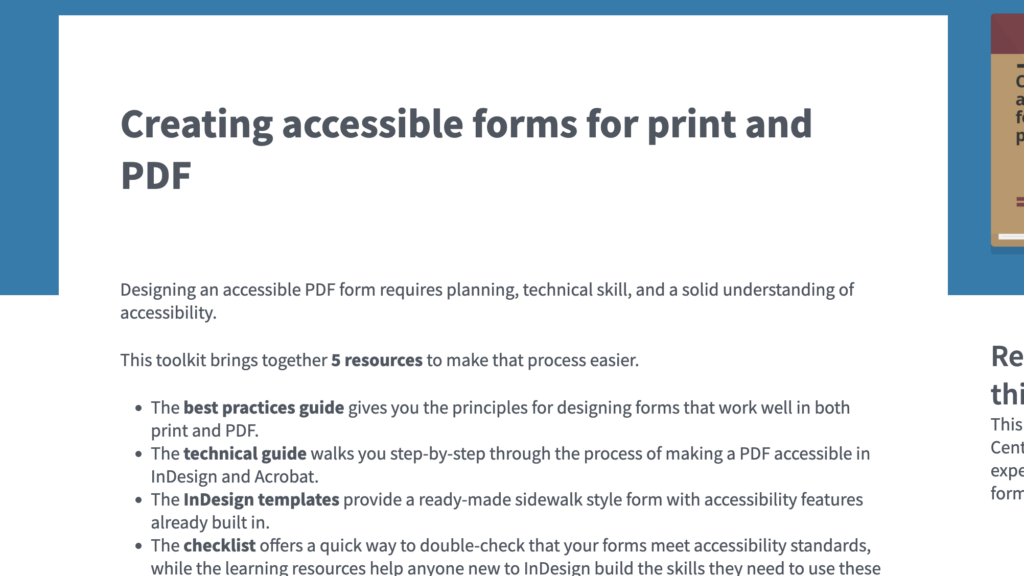
State of Massachusetts guide to creating accessible HTML forms for websites and applications
A practical guidance document that explains how to design, code, and test HTML web forms so they are accessible to all users, including people with disabilities.
Monitoring + Governance
Sustain It
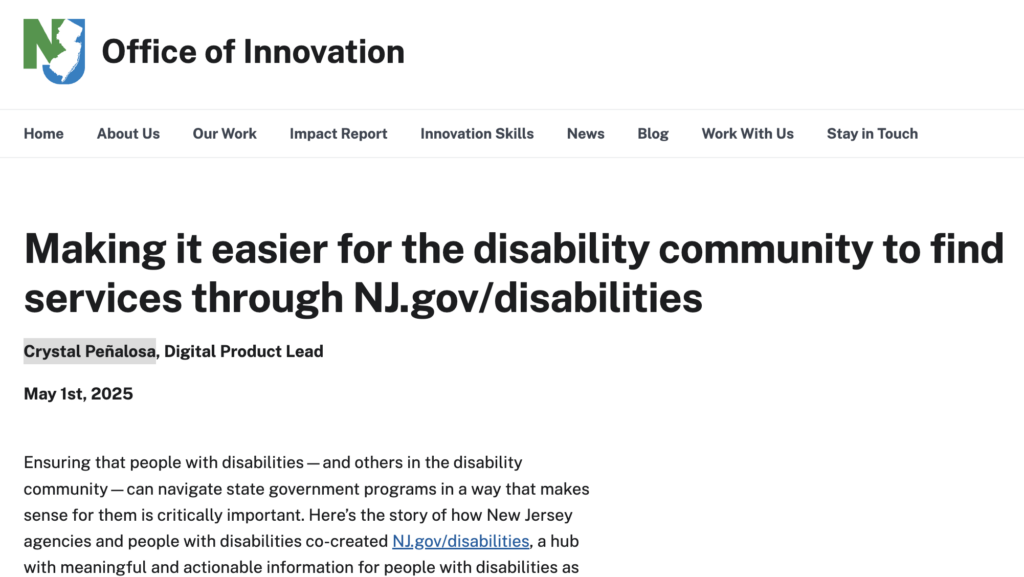
Making it easier for the disability community to find services through NJ online hub
This blog post describes the launch of NJ.gov/disabilities, an accessible, co-created online hub that centralizes information and services for individuals with disabilities.
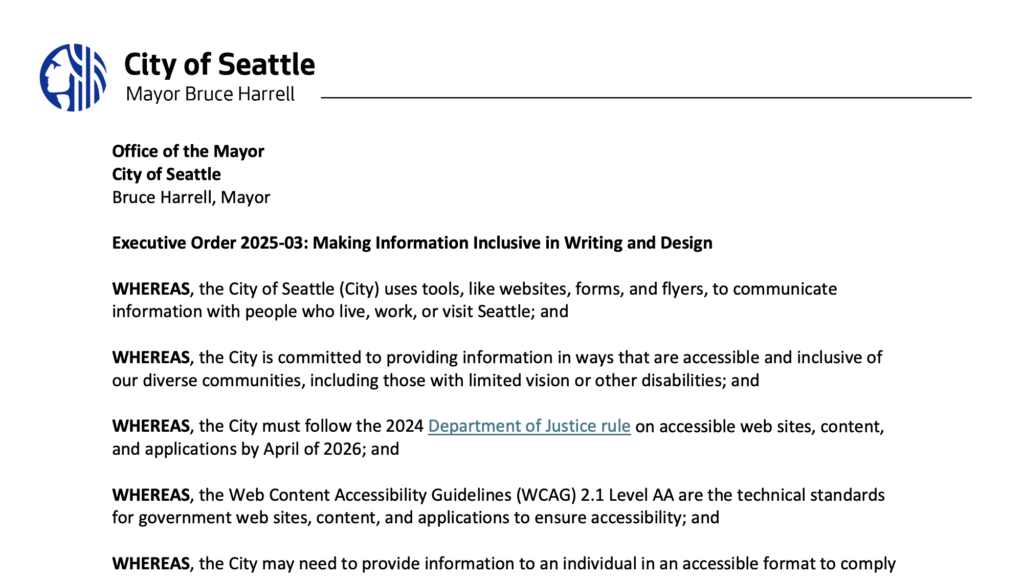
Seattle Executive Order 2025-03: Making Information Inclusive in Writing and Design
This Executive Order mandates citywide actions to make government information more inclusive, accessible, and understandable through digital accessibility and plain language initiatives.
Accessibility for Teams
A ‘quick-start’ guide for embedding accessibility and inclusive design practices into your team’s workflow.
Discover All of Our Accessibility Resources
Below you can see the latest items and the most popular. Click View More to see all resources and examples.