A11yJam Roundtable Report: Remediating PDFs at Scale
Governments produce and host thousands of PDFs within government applications and websites. During this roundtable, Leo Kacenjar, Staff Solutions Engineer, Allison Morgan, Staff Data Scientist, and Jennifer Thom, Senior Director of Data Science, from Code for America provided a demo of their tool, ASAP PDF.
Remediating PDFs at Scale
On April 15, 2026, the Beeck Center hosted Accessibility Jam, which featured four interactive roundtable discussions. This is an anonymized report out of the discussion, showcasing key insights, questions, and topics.
Show & Tell Demo Video
Key Roundtable Insights
- PDF volume far outpaces capacity, and prioritization adds another time-consuming task
- Agencies reported anywhere from a few hundred to tens of thousands of PDFs, and manual, one-by-one remediation cannot keep pace at that scale. Staff are forced to build their own prioritization criteria on top of an already overwhelming workload.
- Tables and forms are the hardest remediation problem by far
- Text-only PDFs are manageable, but tables and fillable forms consistently break screen reader compatibility and take disproportionate time to fix.
- Remediation at scale takes both tools, training, and intentionality
- Tools such as CommonLook’s tag-tree editing system can be useful for restructuring tables, but they can still have a steep learning curve and depend on skilled, trained staff. Rather than relying on training every person who touches content, several agencies are building layered, redundant safeguards that catch issues without putting the full burden on any one staff member or team.
- Legal deadlines are accelerating action
- The upcoming DOJ Title II compliance deadline has been a recurring backdrop, pushing agencies to formalize workflows they had previously deprioritized.
Roundtable Questions & Summary Answers
How many PDFs do you think you have?
- Responses ranged from a couple hundred to tens of thousands
Resources & Examples

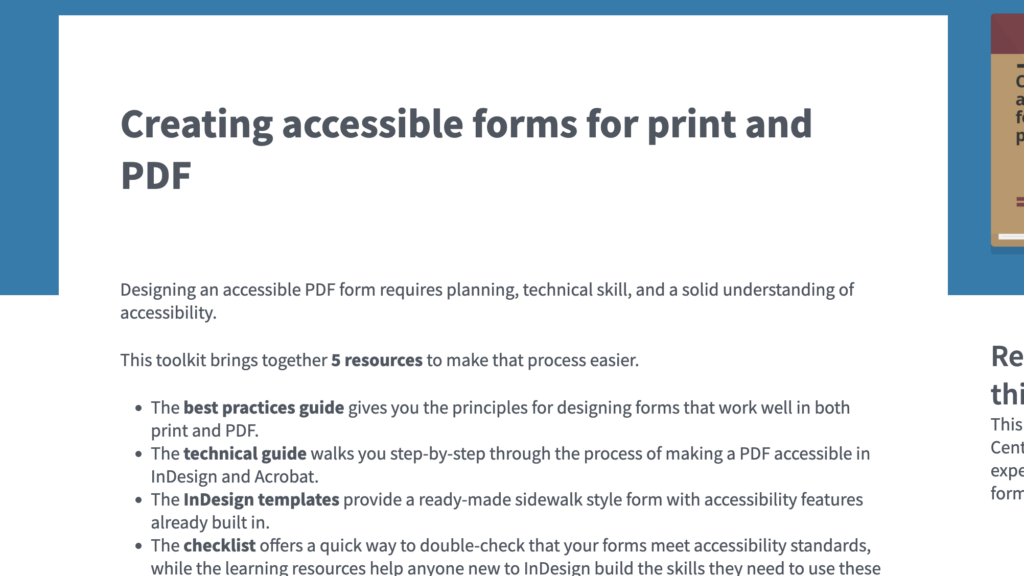
Creating accessible forms for print and PDF
A practical toolkit that guides teams through designing and building accessible forms in print and PDF formats that are usable by people with disabilities and meet accessibility standards.
What are your experiences with remediating PDF tools at scale?
- Remediation is manageable for plain text but becomes much more challenging with tables and images, which are rarely saved or tagged correctly in the first place.
- At scale, most teams are still fixing documents one at a time, which is resource-intensive.
- Even strong remediation software has a steep learning curve, and tools alone can’t replace trained staff, process, and time.
- Determining what content qualifies for an exception versus requiring remediation raises persistent questions.
- Some teams are trained to retain everything, which conflicts with efforts to archive or remove outdated PDFs.
- Complex documents are often outsourced to specialized platforms like CommonLook because in-house teams lack the skills or time.
Resources & Examples

Making Accessible Word Documents
This guide explains how to create accessible Microsoft Word documents and properly export them to tagged, screen‑reader–friendly PDFs.
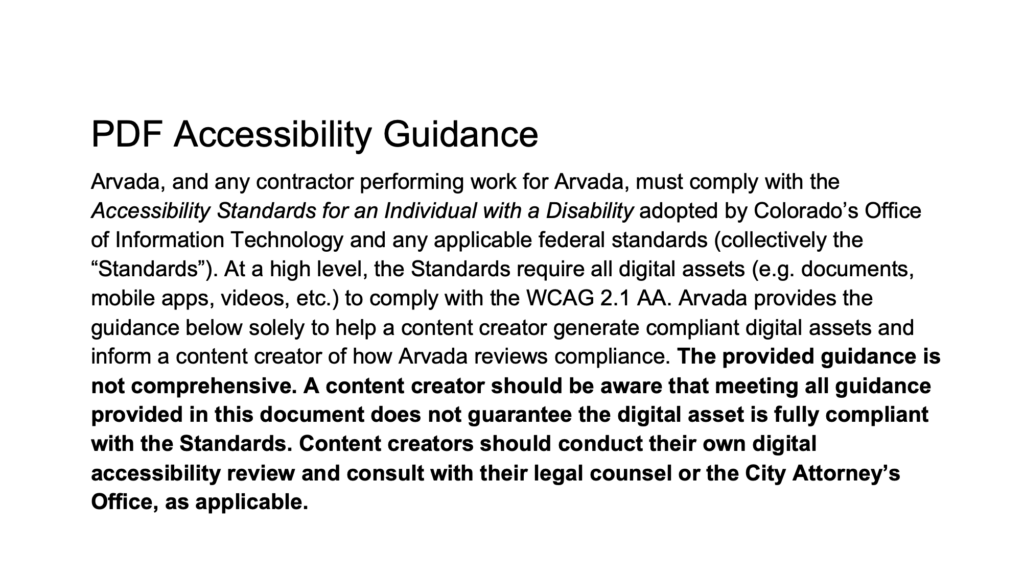
City of Arvada’s Accessible PDF Guidance
This guidance document outlines how to create and review accessible PDFs to help ensure compliance with WCAG 2.1 AA and other digital accessibility standards.
How are you approaching tables remediation? Any thoughts on CommonLook?
- Tables remain the most frustrating part of remediation for many attendees.
- CommonLook was widely cited as the go-to tool for complex table remediation since it lets the user restructure a table’s underlying tags (fixing merged cells, missing column headers) without changing how the table looks visually, and keyboard shortcuts speed up work in the tag tree.
- While the tool has a steep learning curve, attendees who invested the time in training found it well worth it. Many utilized CommonLook’s webinars and office hours.
- AI might have the potential to catch inaccessible table structure (e.g., merged cells, tables used only for visual layout) at the point of creation, rather than requiring remediation after the fact.
- In addition to tables, forms are also challenging to remediate.
Resources & Examples
PDF Accessibility Remediation
An open-source tool that uses automation to help organizations quickly remediate PDF documents to meet WCAG 2.1 Level AA accessibility standards.
How States Can Improve Generative AI’s Role in Disability Empowerment
Recommendations for states to consider when working with AI vendors throughout the procurement and implementation process
What’s one workflow step that dramatically improved your process?
- Requiring content managers to complete accessibility training, or risk losing publishing access, creates accountability.
- Centralizing accessibility tools, checklists, and guidance in one shared location can allow staff to more easily find accessibility resources.
- Having multiple, various training series builds knowledge over time. They could even start with a vendor-led series
- Executive buy-in and legal mandates help give accessibility work organizational authority and urgency.
- An accessibility checkpoint, like a communications-office review, that returns an inaccessible PDF to the original author or has the office fix it directly, keeps non-compliant PDFs from reaching a website in the first place.
Resources & Examples
Department of Civic Things Accessibility Guides
A curated collection of practical guides that help government teams improve digital services, website content, and forms using plain language, content design, and user-centered practices.
Designing Digital Content For Users With Cognitive Disabilities
A guide to designing and developing digital content that is more accessible and usable for people with cognitive disabilities.